Debugging Errors
Please read the Material Usage Rules on this site.
🔗 Original page — Source of this material
Description
During template development and testing, use the log window to find and fix errors. It records the results of all successful and failed actions.
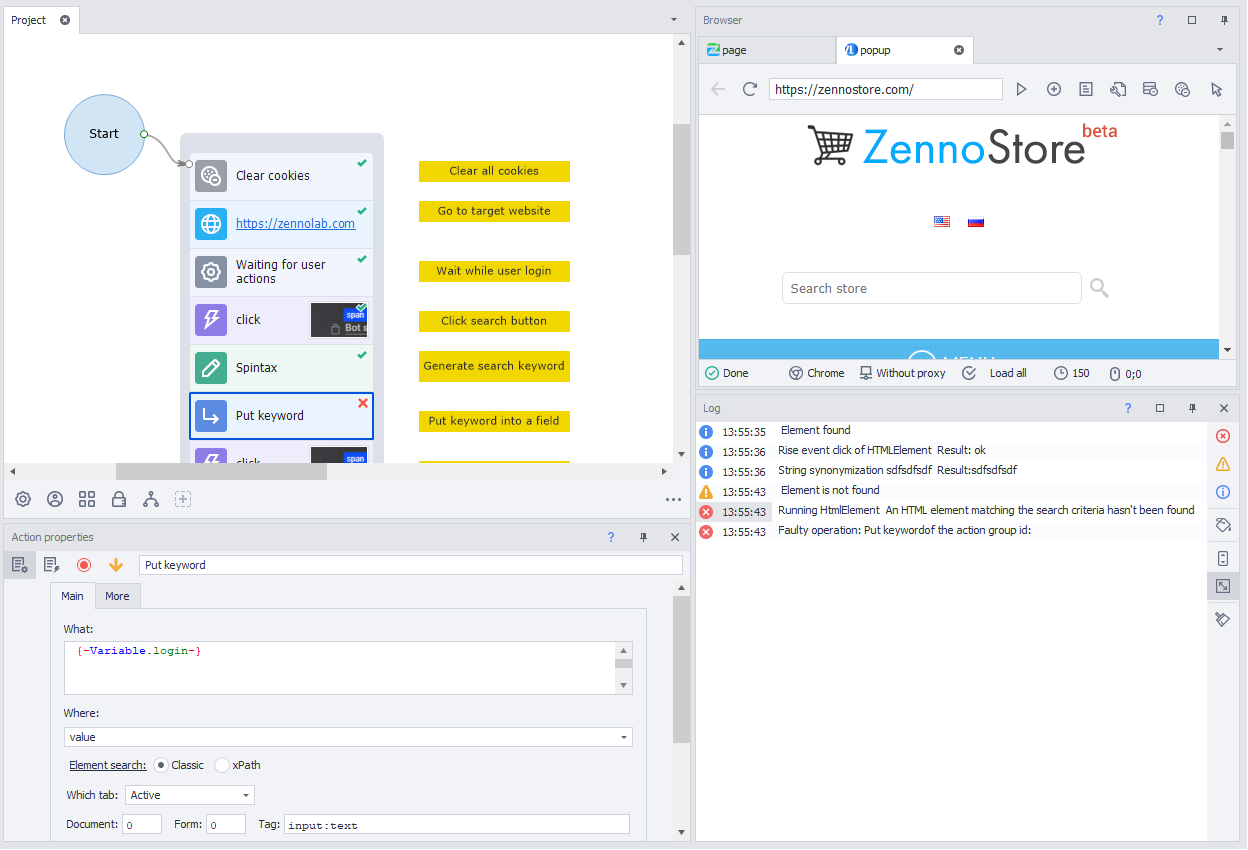
Tools for working with errors:
- Color coding. Entries for failed actions are highlighted in red.
- Quick navigation. Double-click a log entry to automatically locate the problematic action and center the project workspace on it.
- Copying IDs. Right-click an entry to copy the action's ID. This option is also available in the ZennoPoster log.
Search
You can easily find a specific action by its ID:
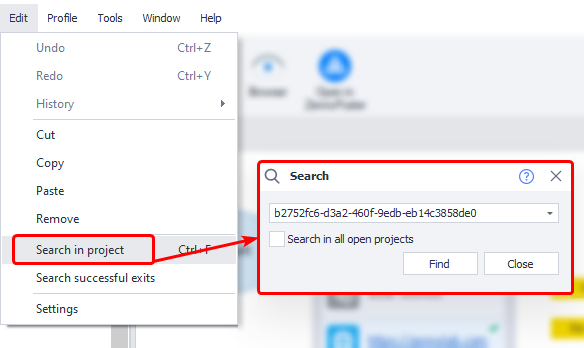
Once you have found the action that caused the error, you can adjust its parameters and resume project execution from the current action.