Swipe Emulation
Swipe emulation in ZD
This action lets you perform a swipe. It's used for vertical scrolling in the browser and other apps, moving through horizontal menus, or swiping diagonally across the screen.
How do you add it to your project?
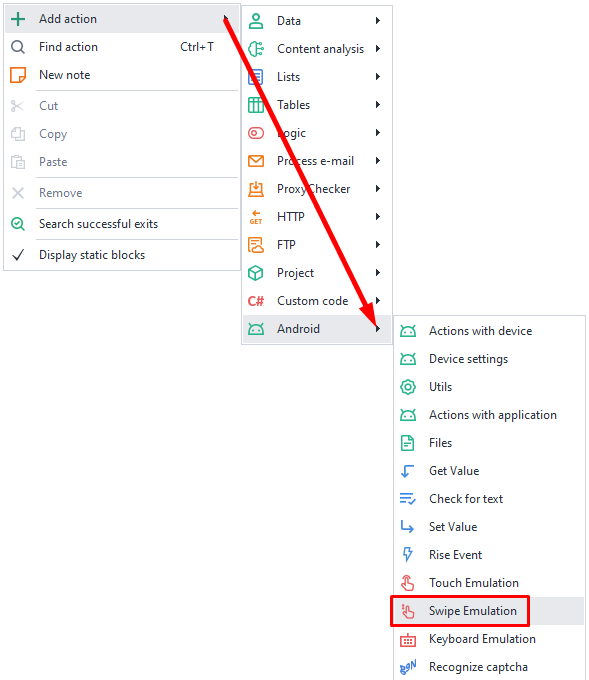
Right-click → Add action → Android → Swipe emulation
Available options

Coordinates
Set the coordinates for the starting (X from and Y from) and ending (X to and Y to) points of the swipe. X stands for the horizontal coordinate, and Y is for the vertical. The starting point must be on the screen, otherwise the action ends with an error, for example Point (1200, 300) is outside the device screen 1080x2400. The end point may go past the edge of the screen.
Long Tap And Swipe
If you check this box, it will simulate a long press before the swipe.
Duration (ms)
This setting controls the speed of the swipe in milliseconds.
Curved
Lets you perform a more realistic swipe that follows a curved line instead of a straight one.